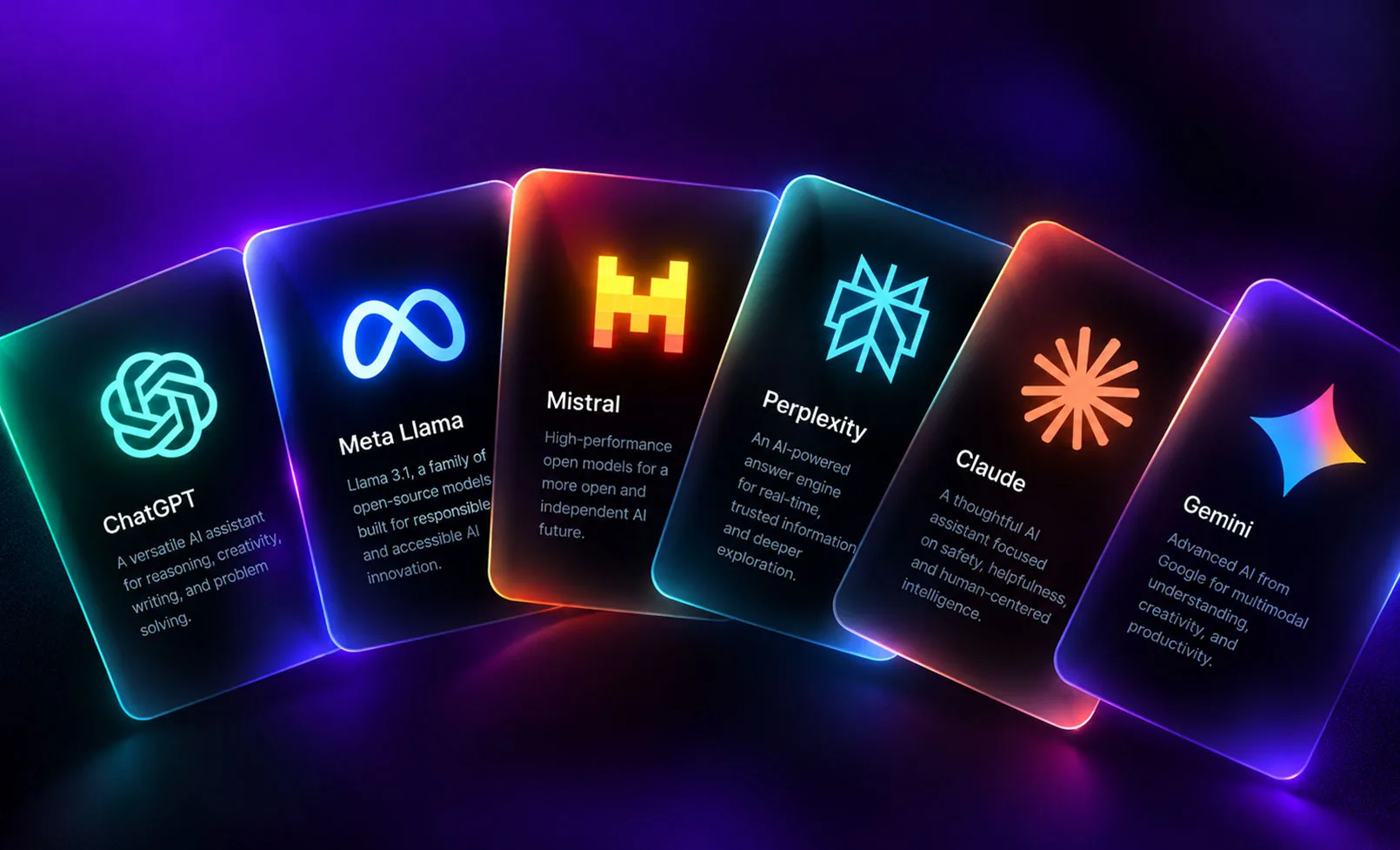
The pace in this category is the story. In a single week this October, three major AI coding tools shipped new versions on the same day (October 23: Claude Code v2.1.310, OpenAI Codex 0.164.0, and Moonshot’s open-weight Kimi K3.1 Pro), while Google’s Antigravity IDE kept rolling through its public preview. If you evaluated these tools six months ago and filed away an opinion, that opinion is stale. This is a field where the right answer in April is the wrong answer by October.
So instead of a frozen ranking, here is how the tools actually sort into categories, what changed recently, a workflow that works, and the honest limits that decide whether AI is enough for your project or whether you need a developer.
The two categories that matter for web work
Most AI coding tools for web development fall into one of two buckets, and confusing them is the most common mistake founders make.
AI code editors and coding agents
These work inside a real codebase and assume you (or someone on your team) can read and run code. The agent writes, edits, runs, and tests across your files, but you own the repository and the deployment. Cursor popularized the AI-native editor. Claude Code and OpenAI Codex operate as command-line and agentic coding assistants. Google Antigravity pushes furthest toward autonomy: it is an “agent-first” IDE, announced in November 2025 alongside Gemini 3 and still in free public preview, with a Manager view that orchestrates several agents in parallel and produces verifiable “Artifacts” like task lists and browser recordings. These tools are for people building and maintaining actual software.
Prompt-to-app builders
These let you describe an app or site in plain language and get a working, deployable result without touching code, sometimes called “vibe coding.” Tools in this group aim at speed and accessibility for non-developers and small teams. They are excellent for prototypes, landing pages, internal tools, and validating an idea quickly.
The distinction is not about which is better. It is about who is driving and what happens after launch.
What changed recently, and why it signals the trend
The late-October releases are small point updates individually, but together they show where the whole category is heading: toward agents that run longer, more autonomous tasks with less hand-holding.
| Tool | Recent update | What it signals |
|---|---|---|
| Claude Code | v2.1.310 (Oct 23, 2026), adding monitoring across major cloud platforms | Coding agents are moving into team and enterprise workflows, not just solo use |
| OpenAI Codex | 0.164.0 (Oct 23, 2026), adding preset slots and tighter permission and credential handling | Maturing controls for running agents safely on real systems |
| Kimi K3.1 Pro | Open-weight release (Oct 23, 2026) with a very large context window | Open models are closing the gap and reading whole codebases at once |
| Google Antigravity | Ongoing public preview, multi-agent Manager view | The shift from “assistant” to “orchestrated agents working in parallel” |
The direction is consistent: longer autonomous runs, larger context so the tool understands your whole project, and better guardrails for running on real infrastructure. For web development specifically, that means these tools are getting very good at the first eighty percent of a build and steadily better at the parts that used to require a human babysitter.
A workflow that actually works
Whether you use a coding agent or a prompt-to-app builder, the teams getting good results follow a similar pattern. The tool is not a magic button; it is a fast junior that needs clear direction.
- Write the spec before you prompt. Describe the pages, the data, the user actions, and what “done” looks like. Vague prompts produce vague apps.
- Start with structure, then build in slices. Get the skeleton working, then add one feature at a time and confirm each before moving on. This is where agents that keep a plan or spec file shine.
- Review every change. With a coding agent, read the diffs. With a builder, click through the result and test the real user paths. AI confidently produces code that looks right and is subtly wrong.
- Test the unglamorous paths. Form validation, error states, mobile layout, empty states, and what happens when something fails. These are where AI output is weakest and where users actually live.
- Harden before launch. Security, performance, accessibility, and SEO basics are rarely handled well by default. This is the step people skip and regret.
Quick answer: The best AI coding tools for web development in late 2026 split into two groups: AI code editors and agents (Cursor, Claude Code, OpenAI Codex, Google Antigravity) for working in real codebases, and prompt-to-app builders for shipping prototypes and simple sites without code. Choose agents when you own and will maintain the code, and builders when you need speed and do not need deep customization.
Where AI still breaks (and why it matters for your business)
AI tools have changed what one person can ship. They have not removed the reasons businesses hire professionals. The gaps are predictable:
- Security and data handling. AI happily generates code that works in a demo and leaks data in production. Payment flows, authentication, and anything touching customer data deserve human review.
- Performance at scale. A builder output that loads fine with ten records can crawl with ten thousand. Core Web Vitals and real-world speed are rarely optimized by default.
- Accessibility and compliance. Legal exposure is real, and AI defaults do not meet it reliably.
- SEO, GEO, and AEO. Structured data, clean markup, and content that ranks in both Google and AI answers are not automatic. A site that looks great and ranks nowhere is an expensive hobby.
- Maintenance and ownership. When a prompt-built app breaks or needs to grow, someone has to understand what the AI actually created. “I don’t know how it works” is a liability that grows with the business.
- Integrations and edge cases. The messy parts (third-party APIs, odd business rules, migrations from an old system) are exactly where AI output needs the most correction.
None of this is an argument against using these tools. We use AI across our own work, and it makes good developers dramatically faster. It is an argument for being clear-eyed about the line between a prototype that proves an idea and a production site that runs a business.
How to decide what to use
A simple rule holds up well:
- Validating an idea, building a prototype, or shipping a simple marketing page with no complex logic? A prompt-to-app builder will get you there fast, and that speed is real value.
- Building a product you will maintain, grow, and trust with customer data and revenue? Use AI coding agents as an accelerator, with real engineering judgment steering them, or bring in a team that does.
This is the model WebBirds works in. Our web development and AI powered web design teams use these tools every day to move faster, while owning the parts AI gets wrong: security, performance, accessibility, and the SEO, GEO, and AEO structure that makes a site actually get found. If you prototyped something with an AI builder and hit the wall where it needs to become a real, maintainable product, that is a normal and healthy place to be, and it is exactly where we pick things up.
The tools will keep shipping new versions. The judgment about what to trust them with is the part that does not update automatically.
Suggested WebBirds internal links and anchor text
- Anchor: “web development” to https://webbirds.us/services/web-development/
- Anchor: “AI powered web design” to https://webbirds.us/services/ai-powered-web-design/
- Anchor: “custom web design” to https://webbirds.us/services/custom-web-design/
- Anchor: “Digital AI services” to https://webbirds.us/services/digital-ai-services/
- Suggested related post link: an internal link to any WebBirds article on website performance or Core Web Vitals, with anchor text “website performance and Core Web Vitals”
External authoritative sources used (with publication dates)
- “Agent Tools Today (26 Oct 2026): Launches, Skills, MCP Servers,” published October 26, 2026 (Claude Code v2.1.310, OpenAI Codex 0.164.0, Kimi K3.1 Pro, all dated October 23, 2026): https://munderdiffl.in/blog/agent-tools-today-2026-10-26/
- Wikipedia, “Google Antigravity” (announced November 18, 2025 alongside Gemini 3; agent-first IDE; multi-model support; public preview): https://en.wikipedia.org/wiki/Google_Antigravity
- Wikipedia, “Cursor (code editor)”: https://en.wikipedia.org/wiki/Cursor_(code_editor)
- Lovable, “Best Vibe Coding Tools in 2026” (overview of prompt-to-app builder category): https://lovable.dev/guides/best-vibe-coding-tools-2026-build-apps-chatting
Frequently asked questions
What are the best AI coding tools for web development in 2026?
They split into two groups. AI code editors and agents like Cursor, Claude Code, OpenAI Codex, and Google Antigravity work inside real codebases for people who build and maintain software. Prompt-to-app builders let non-developers describe and ship apps or sites in plain language. The right pick depends on whether you will own and maintain the code.
Can AI build a complete website without a developer?
For prototypes, landing pages, and simple sites, often yes. For a production site that handles customer data, payments, real traffic, and needs to rank in search, AI gets you most of the way but leaves gaps in security, performance, accessibility, and SEO that need human judgment.
What is Google Antigravity?
Google Antigravity is an agent-first IDE announced in November 2025 alongside Gemini 3 and offered in free public preview. It coordinates multiple AI agents working in parallel, produces verifiable artifacts like task lists and browser recordings, and supports several models including Gemini and Claude.
What is the difference between a coding agent and a vibe coding tool?
A coding agent writes and edits code inside a repository you own and deploy, assuming someone can read code. A vibe coding or prompt-to-app builder produces a working, deployable app from plain-language descriptions without requiring you to touch code. Agents suit maintainable products; builders suit speed and prototypes.
Is it safe to launch an AI-built site to real customers?
Only after a human review of security, data handling, performance, accessibility, and SEO. AI reliably produces code that works in a demo but fails or exposes data under real conditions, so production launches need a hardening pass.
Why do these tools update so often?
The category is moving fast toward longer autonomous runs, larger context windows, and safer controls for running on real systems. Several major tools shipped updates on the same day in late October 2026, which is why a tool decision made months ago is worth revisiting.
When should I stop using an AI builder and hire a team?
When the project needs to become a maintainable product: when it handles customer data or payments, needs to scale, needs to rank in search, or when no one can explain how the AI-built version actually works. That transition is normal and is the right time to bring in professional help.
Lead generation CTA
Built something with an AI tool and hit the point where it needs to become a real, secure, fast, findable product? That is the most common call we get, and a good problem to have. WebBirds can review what you have, tell you plainly what is production-ready and what is not, and take it the rest of the way. Request a free build review and we will give you a clear next step.