For two years, the honest answer to “how often does ChatGPT recommend my business?” was a shrug. You could run prompts yourself, screenshot the results, and guess. There was no dashboard, no counts, no first-party data. That changed this week.
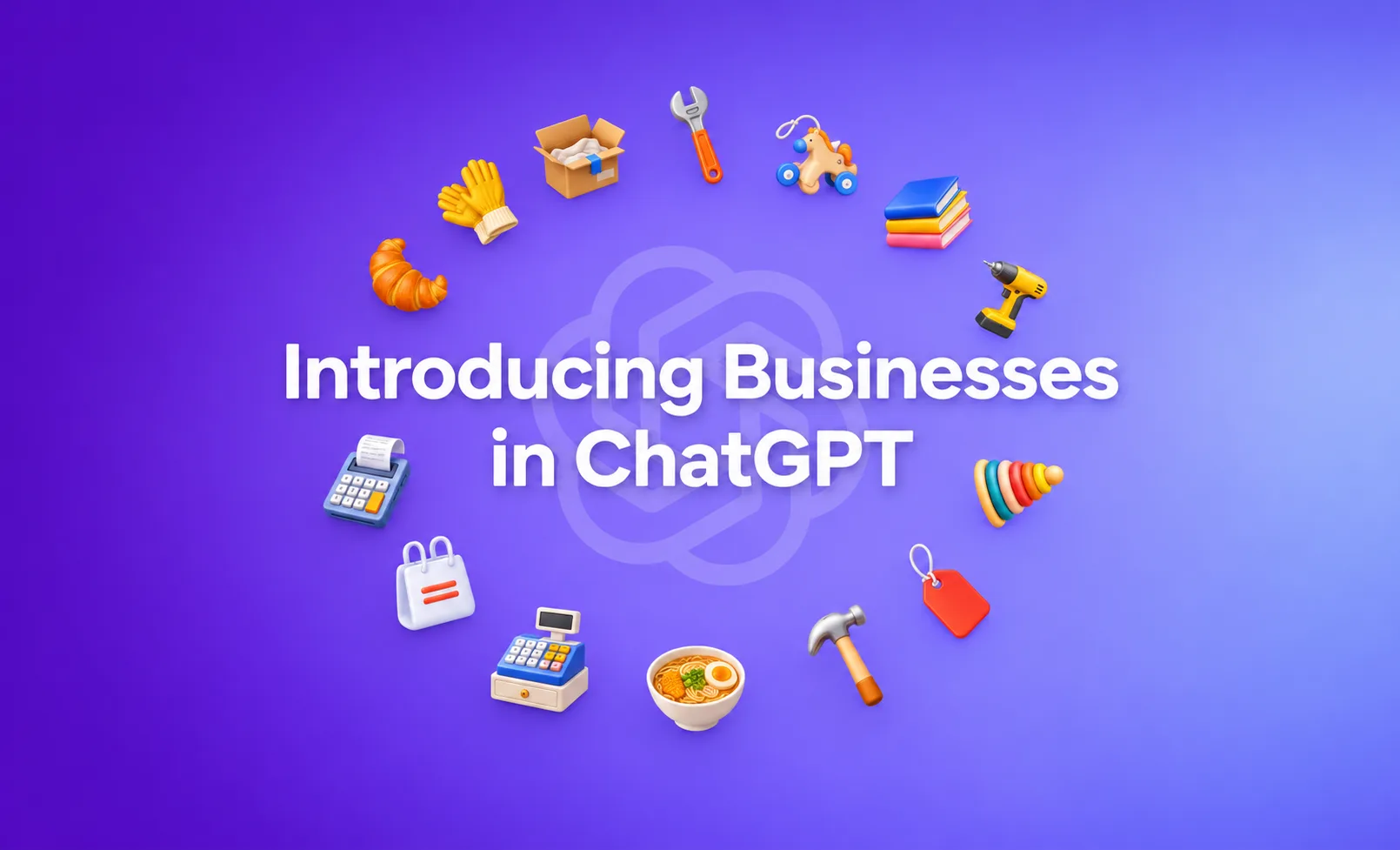
On November 10 and 11, 2026, OpenAI rolled out Businesses in ChatGPT, a feature most people are already calling the ChatGPT Business Hub. It lets a company claim a verified profile and, for the first time, see numbers: how often ChatGPT mentions your business, and how often people click through from ChatGPT to your website. If that sounds familiar, it should. It is the closest thing AI search has had to Google Search Console, and the comparison is doing a lot of work in how marketers are reacting to it.
Here is what the launch means in plain terms, what the data can and cannot tell you, and the practical moves worth making this month.
What is the ChatGPT Business Hub?
The ChatGPT Business Hub is a feature from OpenAI, launched in mid November 2026, that lets businesses claim a profile inside ChatGPT and view visibility metrics, specifically how often ChatGPT mentions the business and how often users click through to its website. It is the first time a major AI assistant has given businesses first-party data about their presence in AI answers.
Before this, measuring AI search visibility meant paying third-party tools to simulate prompts and estimate your share of voice. Useful, but it was always an outside-in guess. The Business Hub flips that. The data comes from OpenAI itself, from real conversations, which is a different category of signal.
Why people are calling it a “Search Console moment”
When Google Search Console arrived, it gave website owners a view into something they previously had to infer: which queries showed their pages, how often those pages appeared, and how many clicks followed. That visibility reshaped how an entire industry worked.
The Business Hub carries the same promise for AI search. If customers are increasingly asking ChatGPT for recommendations, comparisons, and shortlists, then knowing whether you show up in those answers, and whether that presence sends anyone to your site, is foundational. You cannot improve what you cannot see. For the first time, businesses can see at least part of it.
That is the opportunity. Now the caveat.
The catch: useful, but not the full picture
Several analysts who covered the launch flagged the same thing. The Business Hub is a real and welcome signal, but it is an early one, and it is narrower than Search Console.
A few limits worth understanding before you build a strategy on it:
- It is ChatGPT only. It tells you nothing about Google AI Overviews, Gemini, Perplexity, or Microsoft Copilot. ChatGPT is a large slice of AI search, but it is not all of it.
- Mentions and clicks are counts, not full context. You see that you were mentioned, not the exact wording of every prompt that produced the mention. That is different from the query-level detail Search Console gives you.
- It is new, so history and depth are thin. Early dashboards tend to show less than they eventually will. Expect the feature to expand.
None of that makes it useless. It makes it one instrument on the panel, not the whole cockpit. Treating a single ChatGPT metric as your complete AI visibility score would be the same mistake as treating Search Console clicks as your entire marketing performance.
What this changes for how businesses think about getting found
The bigger story is not the dashboard itself. It is what the dashboard confirms: AI assistants are now a distribution channel serious enough that the platforms are building measurement for it. OpenAI does not ship a business-facing analytics surface for a channel it considers trivial.
For context on scale, AI-generated answers have moved from novelty to norm in regular search too. Tracking from AdvancedWebRanking put AI Overviews in roughly 83.5% of monitored Google results in November 2026. Whether someone asks ChatGPT directly or sees an AI summary at the top of Google, a growing share of buying research now happens inside an AI answer before anyone reaches your website.
That reframes the job. It is no longer only “rank on Google.” It is also “be the kind of clear, credible, well-structured source that AI engines quote and recommend.” That discipline has a name now, Generative Engine Optimization (GEO), with its close cousin Answer Engine Optimization (AEO), and the Business Hub is the first widely available way to see part of the scoreboard.
How to claim your business in ChatGPT
If you want to start, the process mirrors other platform verification flows. In broad strokes:
- Go to the Business Hub area inside ChatGPT’s business settings.
- Find or create your business profile.
- Complete OpenAI’s verification to prove you represent the business.
- Once verified, review your mention and click metrics as they populate.
Claiming the profile is the easy part. The real work is making your business genuinely recommendable, which is what actually moves the numbers.
What to do this month (a short action list)
If you want to turn this news into progress rather than a browser tab you forget about, here is a practical sequence.
Claim and baseline. Claim your profile so you start collecting data now. Early numbers are rough, but you want a baseline to compare against later.
Check what ChatGPT already says about you. Ask it directly: “What does your company do?” “Who are the best providers of X in my city?” “Compare my company to competitor Y.” Note where you are absent, outdated, or described wrong. That gap list is your to-do list.
Fix the sources AI reads. AI engines lean on clear, consistent, well-sourced information. That means accurate, structured pages on your own site, consistent business details across the web, and content that answers real questions directly rather than burying the answer. If your website is thin, inconsistent, or hard to parse, no dashboard will save you.
Measure across engines, not just one. Because the Business Hub is ChatGPT only, pair it with checks on Google AI Overviews, Gemini, Perplexity, and Copilot so you see the whole channel, not a quarter of it.
This is squarely where GEO and AEO services earn their keep. The Business Hub tells you whether you are showing up. Building the content, structure, and authority that make you show up more is a separate, deliberate effort.
The honest bottom line
The ChatGPT Business Hub is not a magic visibility machine, and anyone selling it that way is overpromising. What it is: the clearest sign yet that AI assistants are a measured, accountable channel, and the first real window into your place in it. The businesses that treat this as a prompt to get serious about GEO and AEO now, while the field is young, will have a head start that is hard to buy back later.
If you want help reading your AI visibility and actually improving it, WebBirds builds websites and content designed to be understood, quoted, and recommended by both search engines and AI answer engines. That is the work behind the numbers.
Frequently Asked Questions
What is the ChatGPT Business Hub?
It is an OpenAI feature launched in mid November 2026 that lets businesses claim a verified profile inside ChatGPT and see how often ChatGPT mentions them and how often users click through to their website. It is the first first-party AI visibility data from a major assistant.
Is the ChatGPT Business Hub free?
Claiming a business profile is a verification process inside ChatGPT’s business settings. Access details and tiers may change as OpenAI expands the feature, so confirm current terms when you claim.
Is it really like Google Search Console?
In spirit, yes. Both give owners visibility into how they appear and how many clicks follow. But the Business Hub is narrower: it covers ChatGPT only and shows counts rather than full query-level detail.
Does it track Gemini, Perplexity, or Google AI Overviews?
No. It reports on ChatGPT only. To understand your full AI visibility, you need to check other engines separately.
How do I claim my business in ChatGPT?
Open the Business Hub in ChatGPT’s business settings, locate or create your profile, complete OpenAI’s verification, then review your metrics as they populate.
Will claiming a profile improve my visibility?
Claiming gives you measurement, not ranking. Visibility improves when your website and content are clear, accurate, consistent, and genuinely helpful, which is the core of GEO and AEO work.
Should small businesses care about this?
Yes. If customers ask AI assistants for recommendations in your category, being present in those answers matters regardless of your size, and small, focused businesses can compete well when their information is clean and credible.
Get your free AI visibility review
AI assistants are now recommending businesses to your customers, and for the first time you can measure part of it. WebBirds helps you claim and read your AI visibility, then build the content, structure, and authority that make ChatGPT, Google AI Overviews, and other engines actually recommend you. Book a free AI visibility review and we will show you where you stand and what to fix first.